
Tailor MSK handouts to every patient with Cetra Health’s new personalisation features
Effective communication with patients is key to delivering high-quality care. At Cetra Health, we design our handouts to provide reliable, accessible information that reinforces what’s discussed in clinic and supports patients beyond their appointment.
That said, we recognise that every MSK professional, whether a physiotherapist, osteopath or chiropractor, has their own approach to explaining conditions and treatment plans. No two consultations are identical, and communication styles naturally vary. That’s why we’ve introduced our new handout personalisation features, giving you the flexibility to tailor content to suit your practice and your patients.
Created from user feedback
If you’re part of the Cetra Health community, you’ll know that everything we develop is driven by user feedback. New features are shaped by the real experiences of MSK professionals using the platform every day.
One request came up time and again:
“Can I adjust the wording on handouts so it reflects how I explain things in clinic?”
We thought it was a brilliant suggestion.
That’s why we’ve evolved Cetra into a flexible, customisable patient education platform. The expert-reviewed content is already in place, but you now have the freedom to refine, expand and personalise it so it aligns perfectly with your communication style and the needs of each patient.
How to customise Cetra Health’s handouts
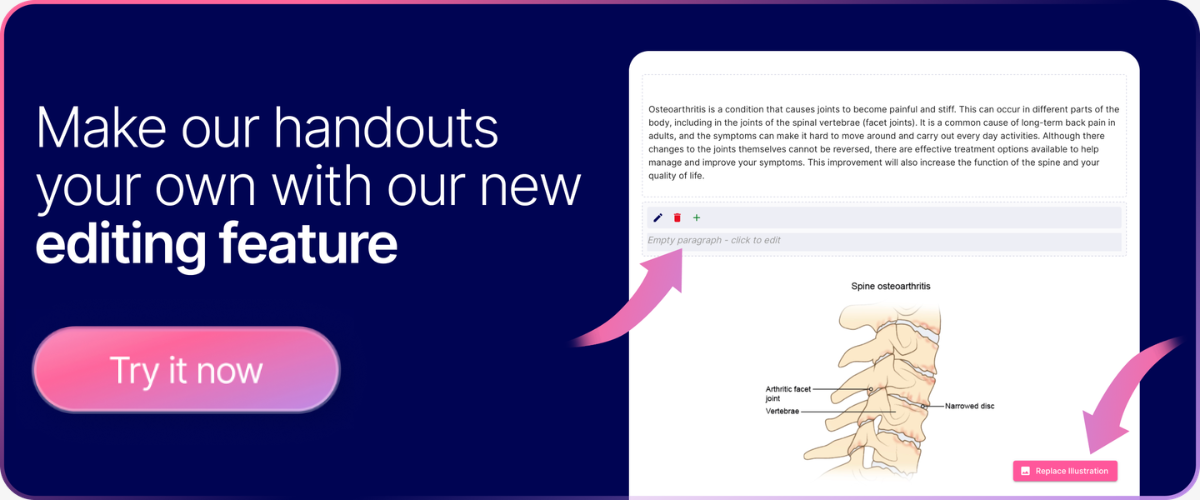
With our new personalisation tools, you can now insert your own text directly into any Cetra Health handout.
This allows you to include patient-specific advice, reinforce key points discussed during the consultation, or phrase information in a way that best suits that individual’s understanding.
For example, if a patient has a sprained ankle and you’ve recommended gentle stretches, you can share the Sprained Ankle Handout and add a tailored note outlining how often the exercises should be performed and for how long.
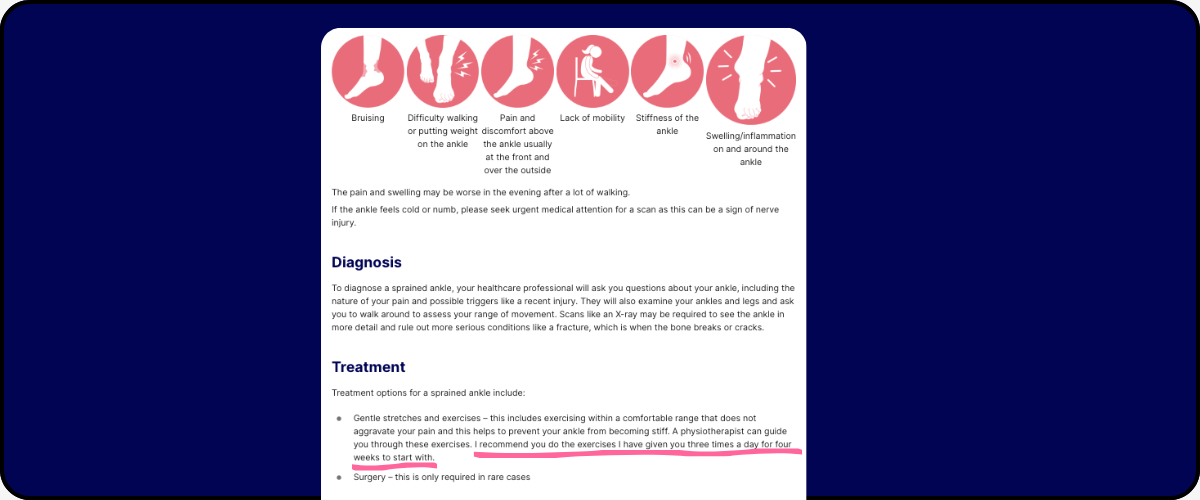
You can also rephrase explanations to help a patient better understand a condition, making sure the handout reflects the way you explained it during the consultation.
Edit or remove existing Cetra content
Every patient is unique, and now your handouts can reflect that.
With Cetra’s personalisation tools, you can:
Edit existing text to suit the consultation
Remove sentences that aren’t relevant to a specific case
Keep handouts concise and focused on what matters most for the patient
This ensures your patients only receive information that applies to them, improving understanding, compliance, and engagement.
Add your patient’s name for a personal touch
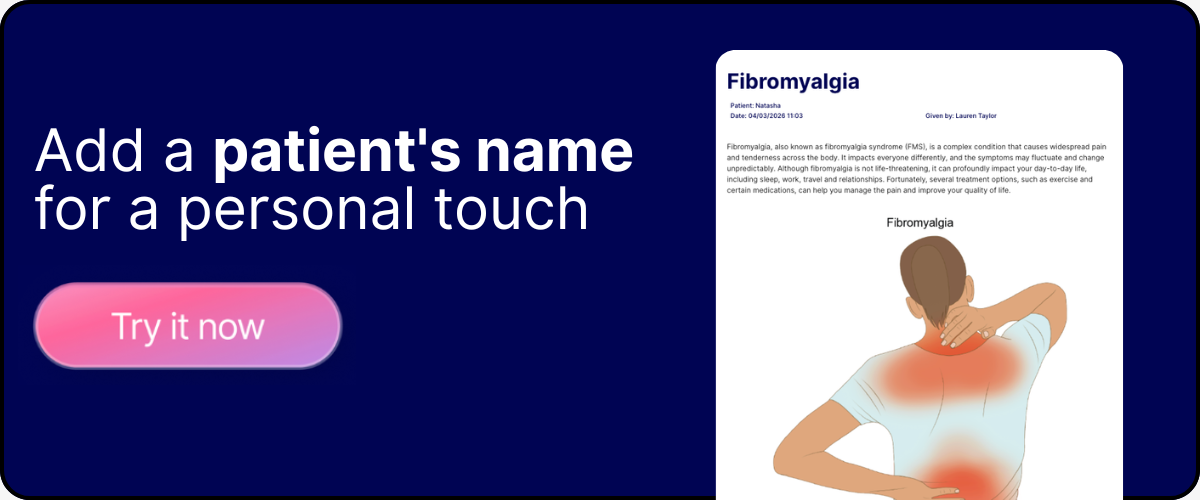
Personalisation makes a real difference which is why you can add a patient’s name directly into any Cetra handout.
This simple step shows patients the information has been tailored specifically for them, encouraging them to read it more carefully, building trust, and reinforcing your professionalism. It’s a small change with a big impact on aftercare and patient experience.
Draw, highlight, and annotate directly on handouts with our whiteboard
Our whiteboard feature complements handout personalisation, giving you full control over both text and visuals.
With the whiteboard, you can:
Draw directly on anatomical diagrams
Highlight injuries, affected areas, or treatment sites
Circle or label key structures
This makes it easier to explain complex conditions, treatment plans, or anatomy, helping patients understand your advice more clearly and remember it longer.
Personalise, save, and assign handouts seamlessly
Any edits you make to Cetra handouts can be saved directly to your personal workspace. This means you can revisit them later, make further changes, or use the same handout in future consultations.
Once you’ve customised a handout, you can assign it to a patient immediately. This works for:
New patients - simply enter their details before sending the handout.
Existing patients - select them from your personal clinic workspace.
Sharing your handouts is simple:
Select the handout or diagram you want to use.
Make your edits using the customisation tools.
Save your changes to your workspace or assign the handout to a patient.
Send it in the way that suits you, print it, share via WhatsApp, SMS, email, or a unique link.
Print personalised handouts
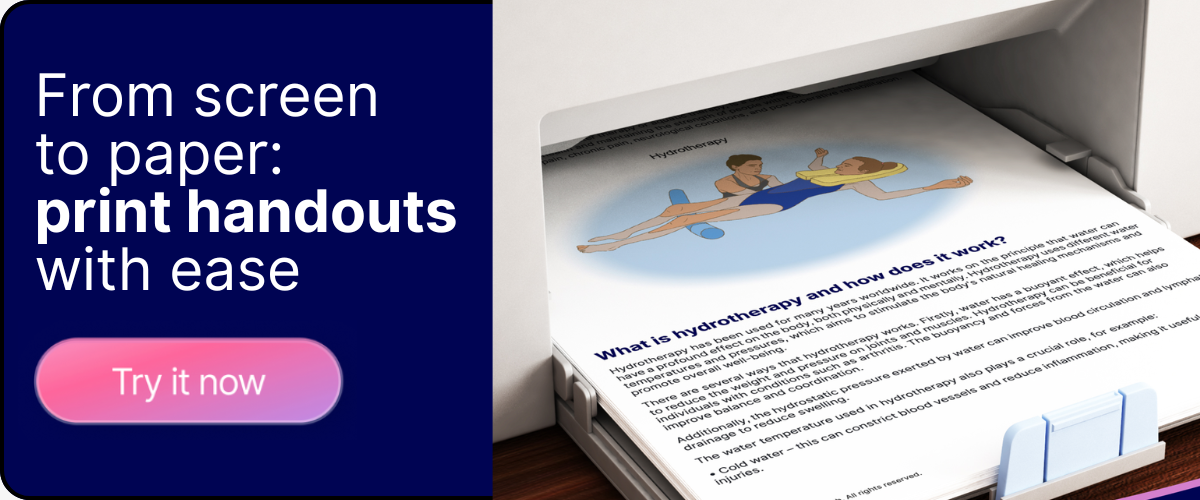
With the new ability to add a patient’s name to handouts, you can now print them for patients to take home. This is ideal for patients who prefer a physical copy or may not be comfortable with digital formats, ensuring they have all the information they need from their consultation to hand.
Shape the future of Cetra Health
This new personalisation feature was built entirely from feedback from users like you, and we’re only just getting started.
If there’s a feature you’d love to see or an idea that could make Cetra even better, we’d love to hear from you. Share your thoughts through our feedback form, and your suggestions will be considered as part of our ongoing development.
Sign up to Cetra for free today and try out our personalisation features.